HELIOS ADMIN
Rust Console Edition Discord Bot
Operations Guide

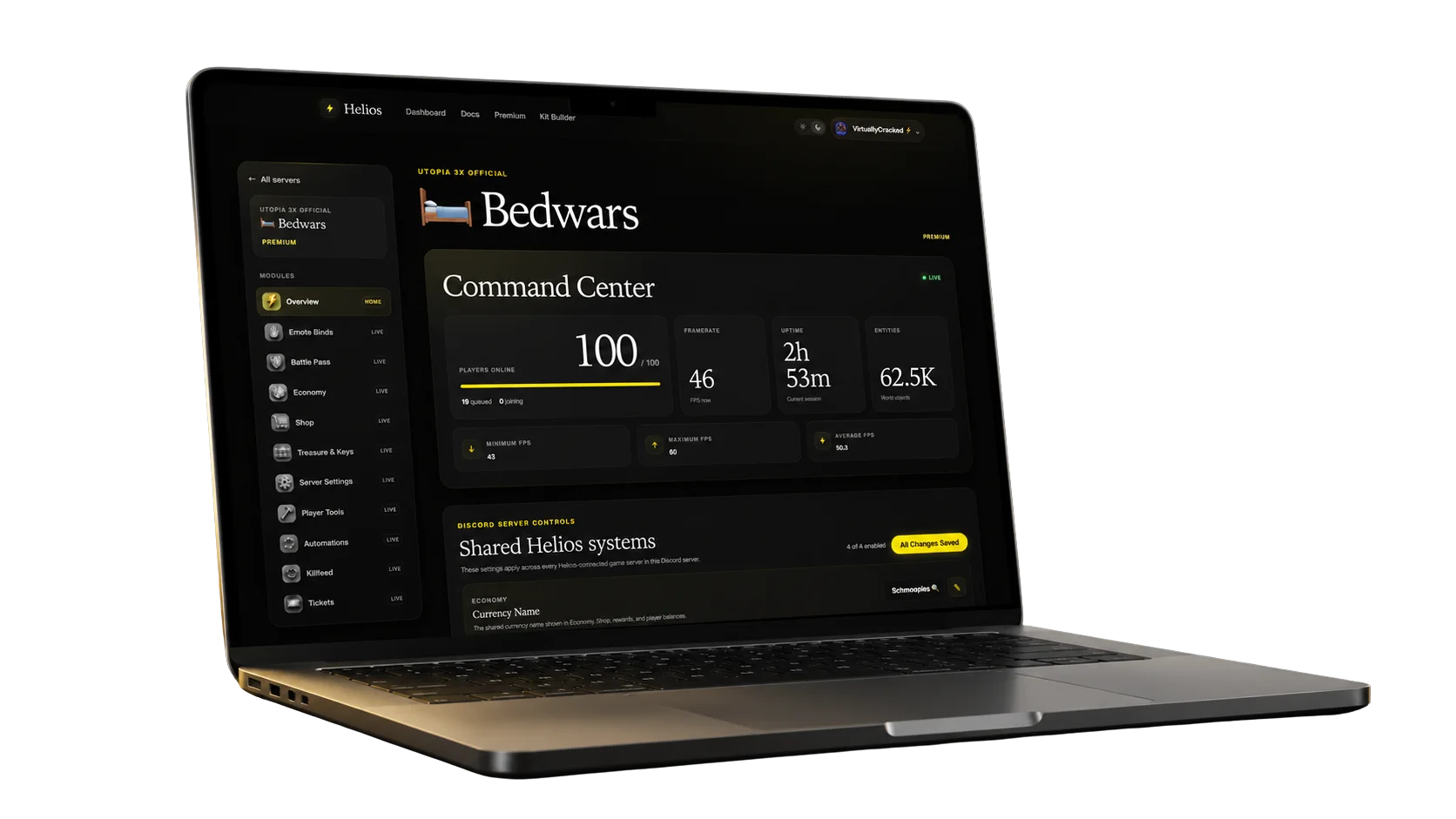
The full playbook for server owners and admins. Use Helios to manage Rust servers, economy, shop, feeds, and battle pass directly from Discord.

Battle Pass Community Market Keys & Chests
Join Our Discord

Join our Discord to get access.

Join Discord

What Helios does

Server Operations

Add Rust servers, edit RCON credentials, enable/disable connections, and run commands without leaving Discord.

Economy & Player Engagement

Wallets, safe pocket, shop items, market listings, casino games, and reward-driven battle pass progress.

Automation

Chat binds, kill feeds, and player join/leave alerts keep your community informed automatically.

Admin Control

Granular toggles, economy limits, and robust logging to keep operations clean.

Getting Started (Server Owners)

  1. Add your server using /server add.
  2. Confirm status with /server list.
  3. Open /settings to toggle Shop, Market, Binds, Battle Pass.
  4. Open /economy to set game bet limits and PvP rewards.
  5. Create shop categories & products (/category and /product).
  6. Set feed channels with /dcfeed and /dcplayerfeed.
  7. Ask players to link their name with /link for stats & rewards.
Tip: Run /server list in a private admin channel. It shows RCON credentials.
What you need from your host

Host = Rust server IP or domain.

Port = WebRCON port.

Password = WebRCON password.

Server & RCON Commands

/server add name host port password

Adds a Rust server and connects WebRCON.

host = IP address or domain of your Rust server.

port = WebRCON port (not the game port).

password = WebRCON password.

/server edit server [name host port password enabled]

Update only the fields you provide. Everything else stays the same.

/server enable enabled [server]

Toggle one server or all servers. Useful for maintenance windows.

/server list

Shows all server data: key, host, port, password, status, created/updated timestamps.

/cmd command [server]

Runs a single RCON command. If server is empty, runs on all servers with status emojis.

/batch [server]

Opens a modal. Paste commands, one per line. The bot runs them sequentially.

Economy & Shop

Economy Setup

Open /economy to configure bet limits and PvP rewards. Limits apply to Blackjack, Coinflip, and Mines.

  • PvP rewards set payout for kills and scientist kills.
  • Steal % controls wallet theft on PvP kills (0 = no theft).
  • Game limits enforce min/max bets for each game.
Shop Management

Create categories and products, set cooldowns, grant roles, or run commands.

/category add name
/product add category name price type
/product edit product [fields]
Use /settings to toggle Shop and Market availability.

Inventory & Market

Core Commands
/bag

View items, use items, or list items on the market.

/market [server]

Browse and buy listings.

Banking
/bank

Shows wallet + safe pocket balance.

/deposit [amount]
/withdraw [amount]

Safe pocket cannot be stolen in PvP. Withdraw to spend.

Games

/blackjack
/blackjack bet

Play blackjack. Bet limits enforced.

/coinflip
/coinflip bet

Button-driven coinflip vs house.

/mines
/mines bet

4x4 grid, 5 mines, safe tiles show ??.

Battle Pass

/bp
/bp

Generates a battle pass image card and claimable rewards.

/challenges
/challenges

View challenge progress with pagination.

/level
/level add | /level list | /level remove

Manage battle pass rewards per level (add, list, or remove).

Battle Pass can be enabled/disabled in /settings.

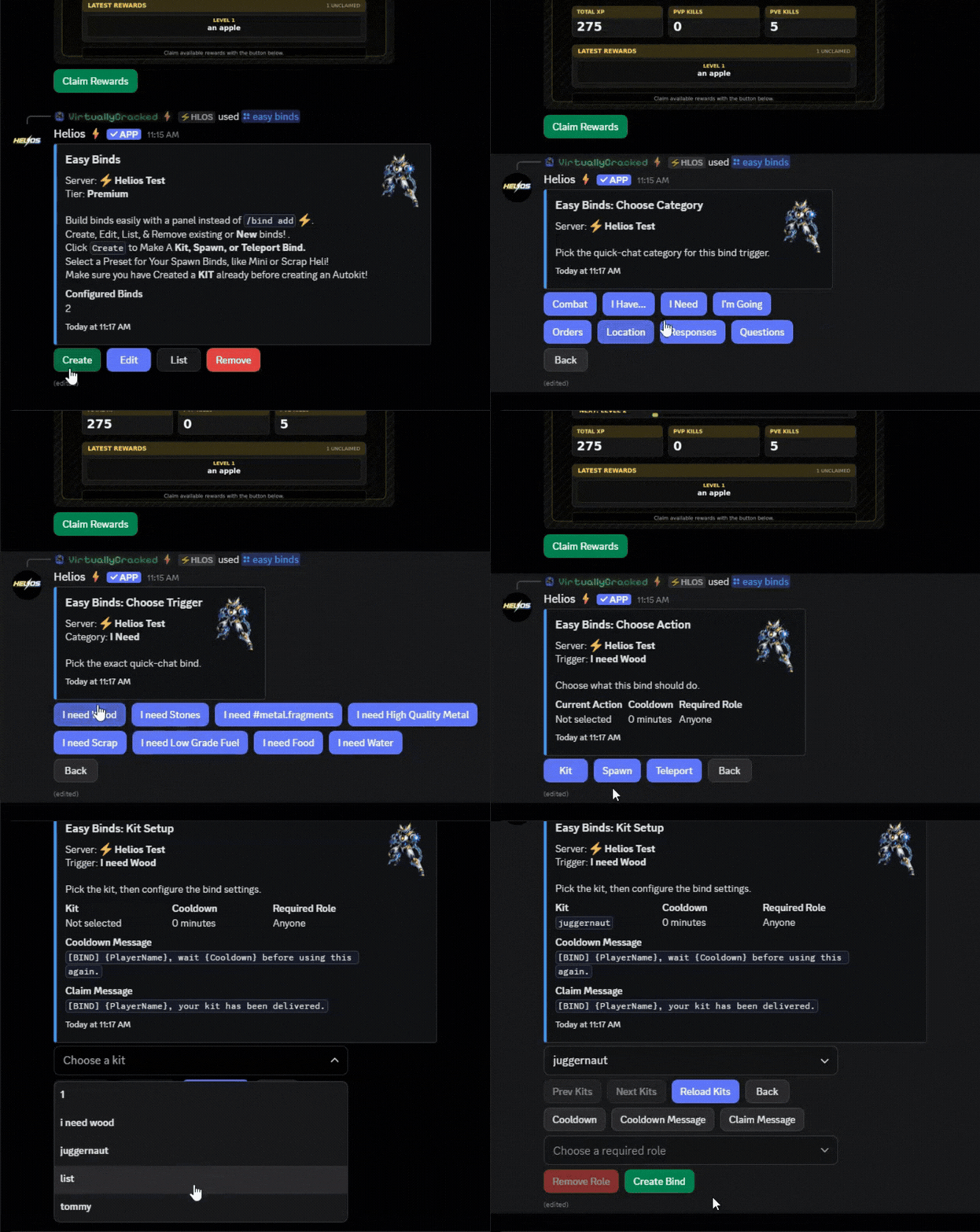
Binds

/bind add

Create chat triggers for any command or spawn. Binds can listen to ALL, LOCAL, TEAM, or SERVER chat and run commands like teleports, kits, permissions, or entity spawns.

/bind edit

Update bind fields like cooldowns or messages.

/bind list

List binds by server.

/bind cooldown

Reset bind cooldowns.

Feeds & Stats

/dcfeed add|remove|list

Discord kill feed channels.

/dcplayerfeed add|remove|list

Player join/leave notifications.

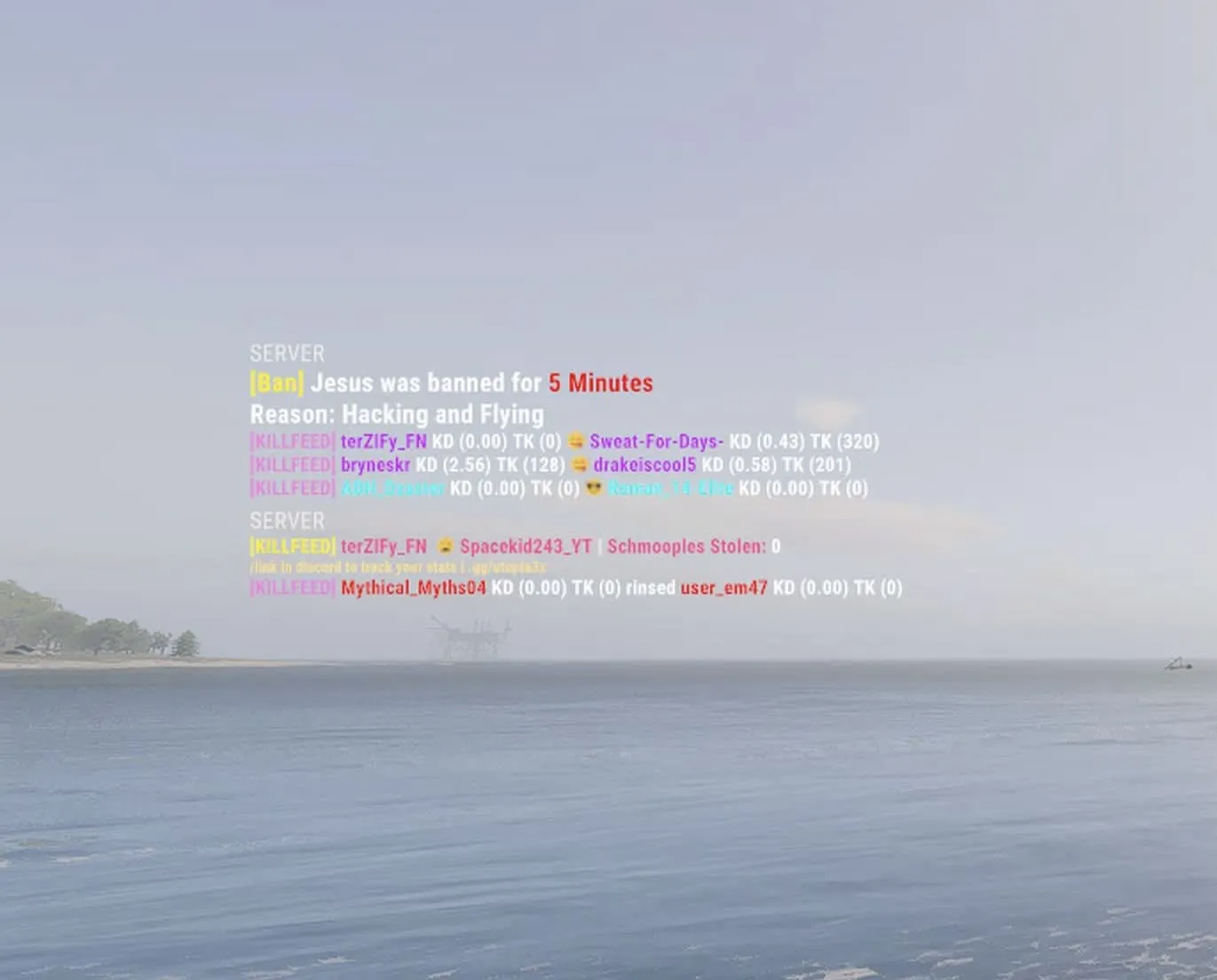
/gamefeed add|remove|list|help

In-game feed templates with placeholders.

/stats [player]

View kill/death stats for linked players.

/whoson server

Lists online players for a server.

Utilities

/link game_name

Link a Discord user to their in-game name.

/unlink

Unlink game name (48h cooldown).