Helios Rust Console Bot Documentation
/set premium-role
Choose which Discord role counts as your server's premium player role.
- Last updated
- Maintained by
- Helios RCE
/set premium-role
Use /set premium-role to decide which Discord role Helios checks for premium reward access.
The most common use for this is Premium Battle Pass rewards. When a reward is marked premium:Yes, players must have the premium role you set here before they can use that premium track.
Important Distinction
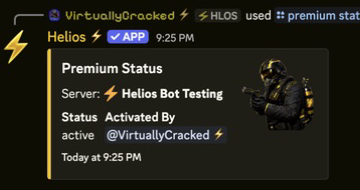
/set premium-role does not activate Premium on a server.
Use:
/premium activateto turn Premium on for a server/set premium-roleto define which Discord role should count as the premium player role
Setup Steps
- Make sure Premium is already active on the server if you plan to use premium-only rewards.
- Create or choose the Discord role you want to use for premium players, such as
VIPorPremium. - Run
/set premium-roleand select that role. - Build your battle pass rewards and mark premium rewards with
premium:Yes. - Test with one linked player who has the role and one who does not.
Command
/set premium-role role:@Role
Where It Is Used
- Premium Battle Pass rewards
- Any owner workflow that checks for the configured premium player role
Best Practices
- Keep the premium role separate from general linked-player roles
- Test premium and non-premium reward claims before launch
- If you change the premium role later, re-check any reward flow that depends on it