
Save time every day
Open one dashboard instead of jumping between commands, channels, and setup menus.
Home / Online Server Dashboard
Made for Rust Console server ownersStop jumping between menus and Discord channels just to manage your server. Helios puts live activity, player tools, shops, kits, protection, and more in one easy place.
Sign in with Discord. You will only see servers you are allowed to manage. Some tools require Helios Premium.
The Helios dashboard saves time and makes daily server management easier. You can quickly see what is happening, help players, update server features, and keep your staff organized from a phone or computer.
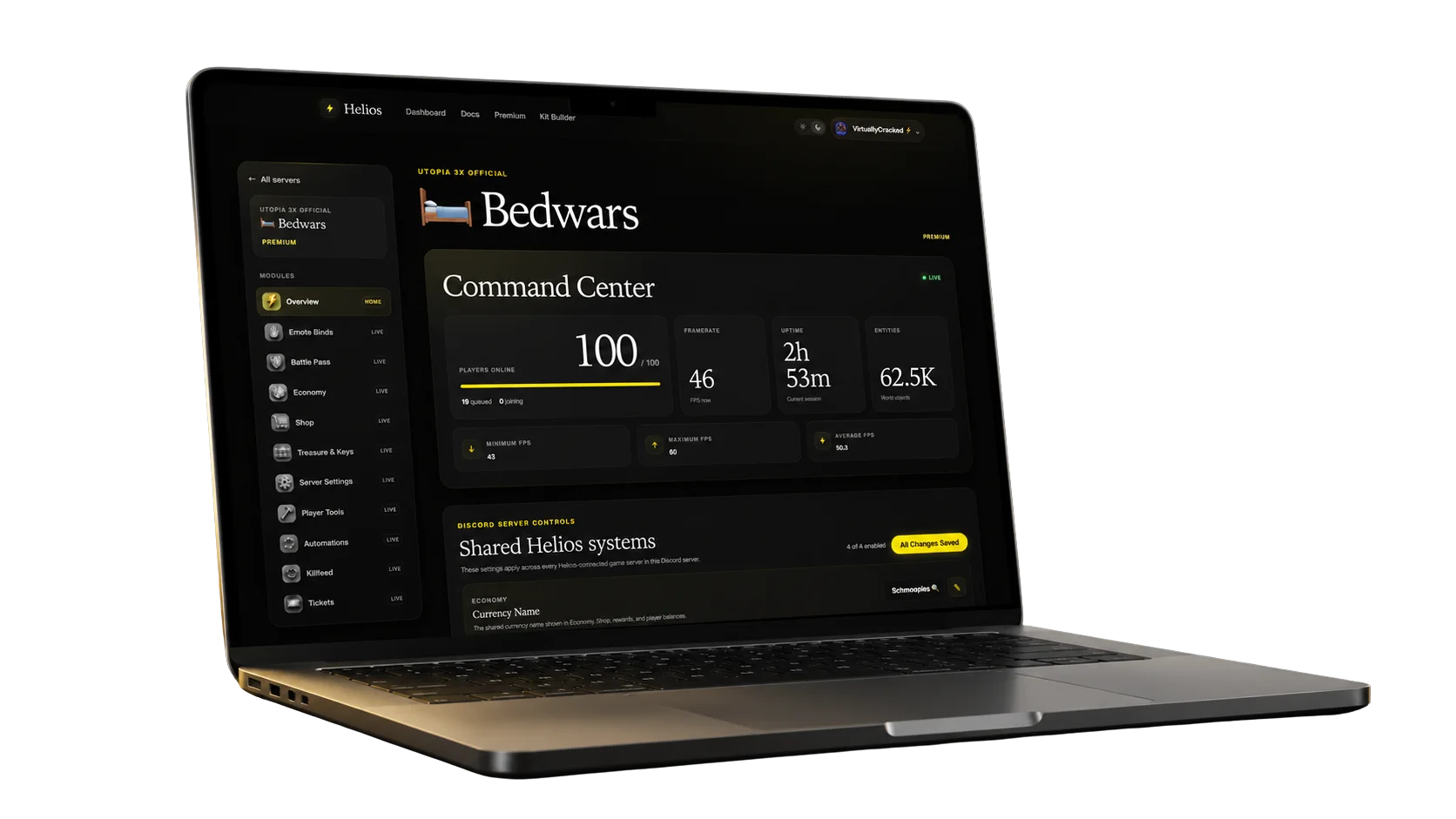
Open one dashboard instead of jumping between commands, channels, and setup menus.
See your server status and recent activity at a glance, so you can act before small issues frustrate players.
Give your team one clear place to check the server and use the tools they need.
Use Helios from your phone, tablet, or computer whenever your server needs attention.
Connect your server, choose the features you want, and follow a step-by-step guide whenever you need help.
Open Helios, choose your server, and manage everything from one clear dashboard.