Helios Rust Console Bot Documentation
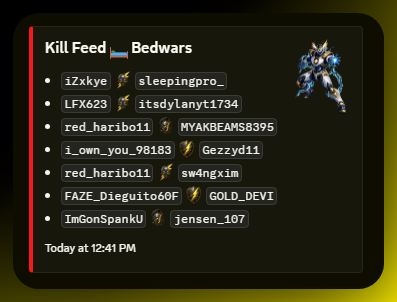
Discord Killfeed
Owner and admin guide for Killfeeds in Discord in Helios.
Overview
This page covers how to use Killfeeds in Discord in Helios for server owners and admins.
Setup Flow
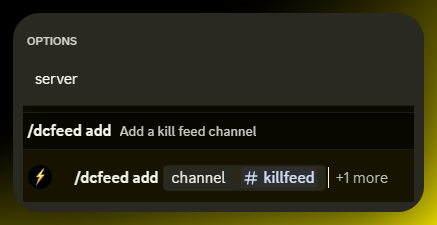
- Add Discord killfeeds with /dcfeed add.
- Optionally choose a specific server, or send for all servers
- Choose the channel to send killfeeds to
Commands Covered
| Command | What It Does |
|---|---|
/dcfeed add | Add a killfeed |
/dcfeed remove | Remove a killfeed |
/dcfeed list | List killfeed channels |
Example
/dcfeed add
Example