Helios Rust Console Bot Documentation
What Features Matter Most in a Rust Console Bot
Decision-support guide for Rust Console owners comparing bot features by real server impact, not hype.
- Last updated
- Maintained by
- Helios RCE
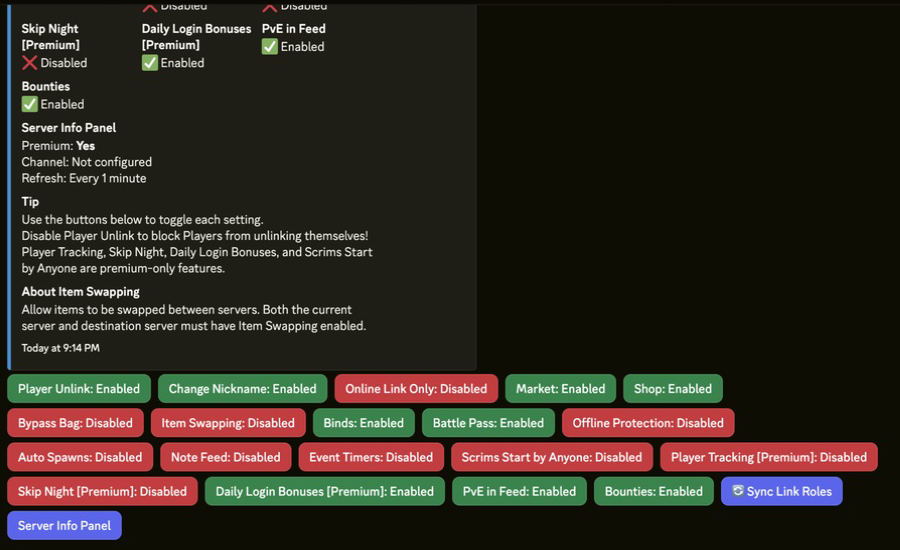
What This Covers
- Priority order for core feature groups.
- How priorities change by server model and staffing profile.
- Decision questions that reduce biased or hype-driven selection.
Prerequisites
- Baseline setup knowledge from Helios Setup Guide.
- A list of your current pain points and owner goals for this wipe.
- A one-server trial plan for any feature you rate as high priority.
Priority Order for Most Owner Teams
- Setup reliability and role controls.
- Feed and alert visibility.
- Policy-heavy systems (TP/home, zones, kits).
- Economy, shop, and progression depth.
- Troubleshooting and onboarding docs.
Feature Importance by Server Model
| Server Model | Highest Priority Features |
|---|---|
| Small community server | Setup speed, clean feed routing, moderation basics |
| High-activity wipe server | Alerts, incident response, role control, repeatable checklists |
| Monetized or VIP-heavy server | Policy-safe economy, kits, progression rules |
| Event-first server | Zone templates, automation flows, reset procedures |
Decision Questions
- Can owners and admins complete setup without ambiguous steps?
- Can moderation tasks run without owner-only intervention?
- Can incident issues be fixed with available docs?
- Can the feature set grow without needing multiple disconnected tools?
Validation and Troubleshooting Focus
- Validate top-priority features first before enabling lower-impact modules.
- Revisit priorities if support volume or incident response quality gets worse.
- Use Troubleshooting outcomes to adjust your feature roadmap.
Related Guides
Related Feature Pages
Next Steps
- Score your current setup against the priority order on this page.
- Choose one feature cluster to improve this wipe cycle.
- Validate decisions using setup and troubleshooting checkpoints.