Helios Rust Console Bot Documentation
Helios Store
Sell kits, roles, items, VIP, and more from a free web store included with Helios Premium, with automatic delivery and Stripe payouts.
- Last updated
- Maintained by
- Helios RCE
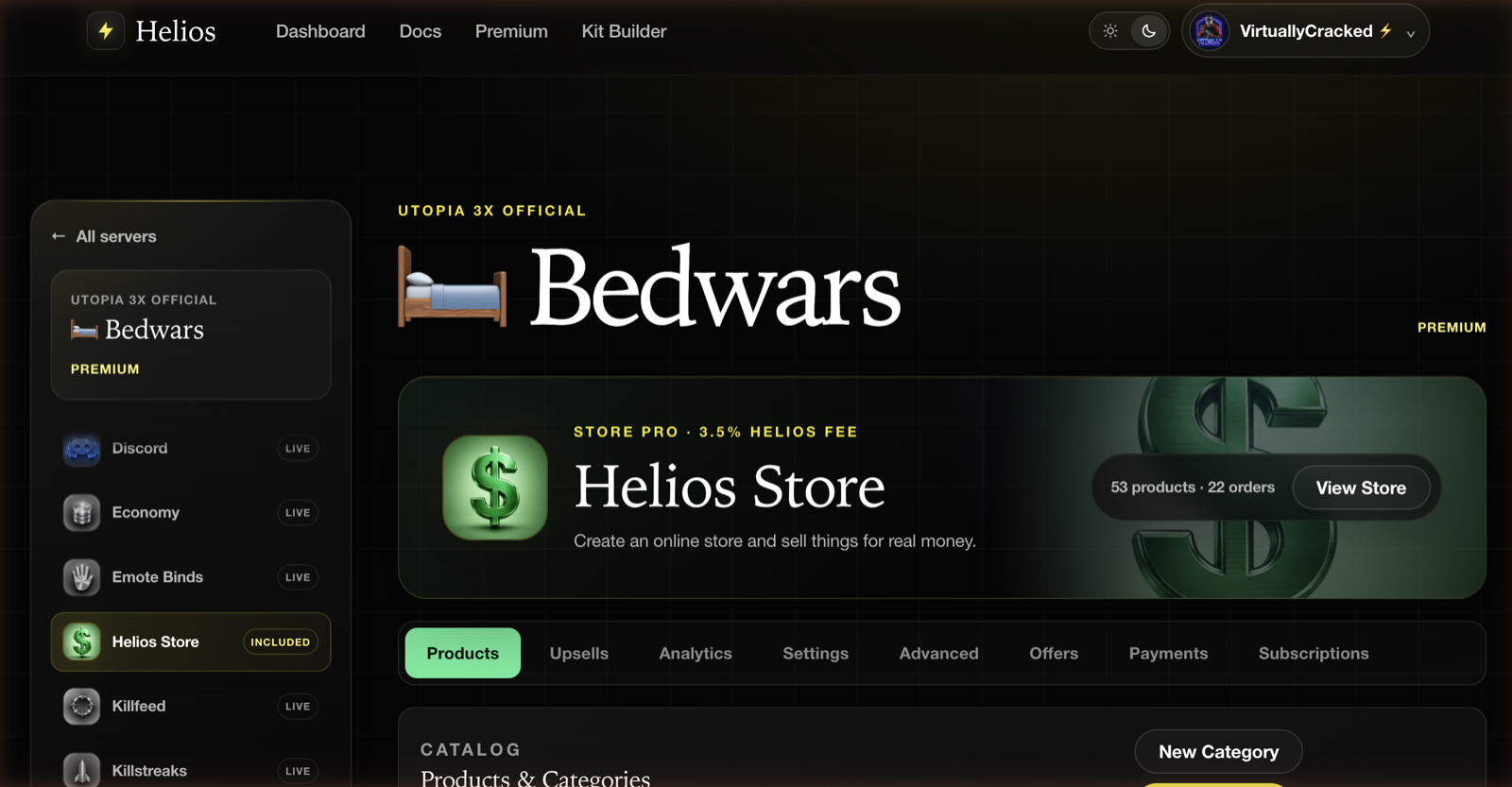
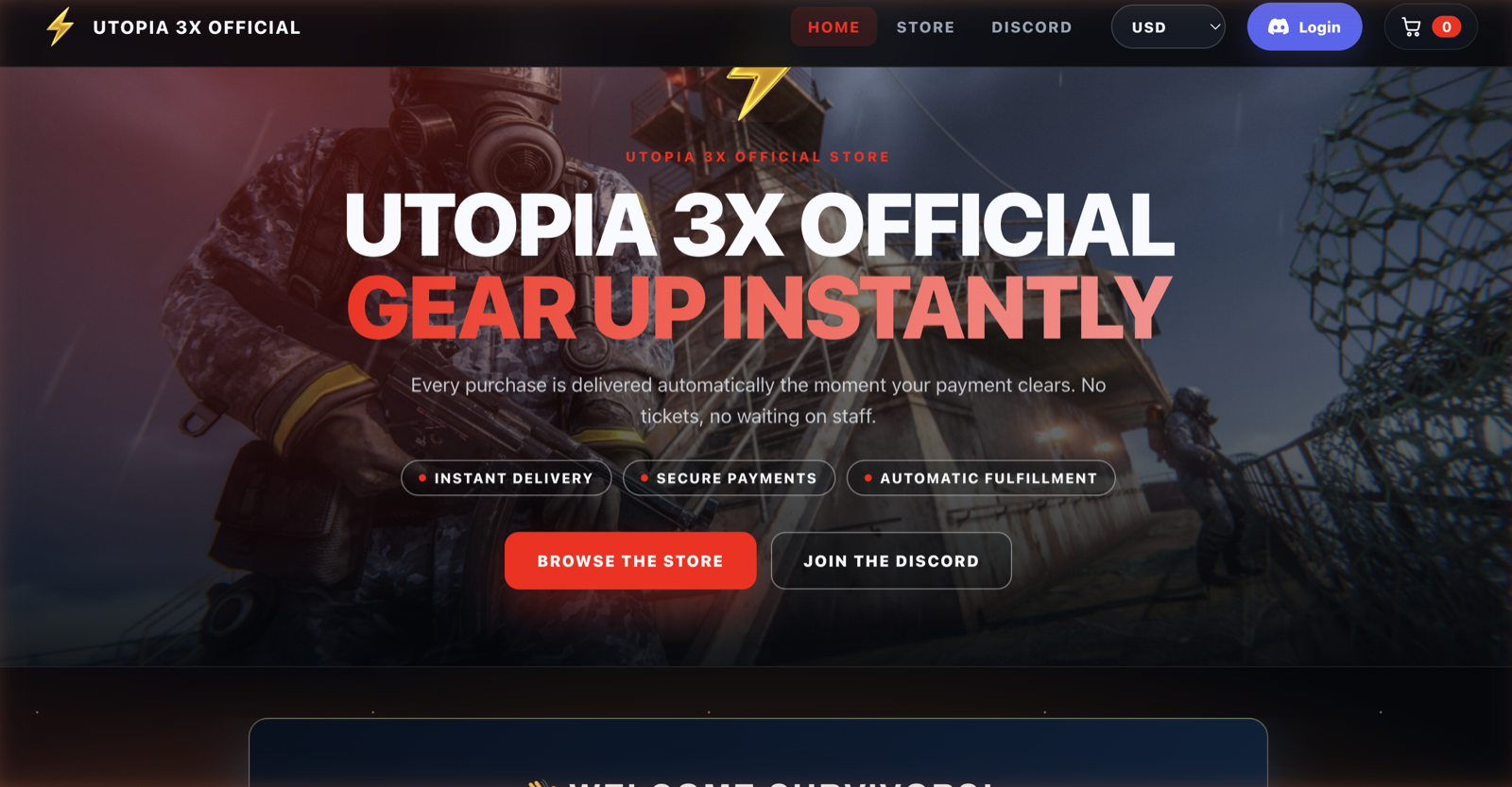
Helios Store gives a Discord community with Premium its own web storefront. Players buy from an online store, and Helios starts delivery after payment is confirmed. Some rewards then wait in the player's /bag until they choose to redeem them in game.
What you get
- A hosted storefront at
store.heliosrce.com/s/your-store, with your own logo, banner, colours, and copy. - Automatic delivery of Discord roles, kits, Rust items, currency, XP, VIP, Nukes, and more.
- Stripe checkout on your own connected account, so payouts land in your bank rather than someone else's.
- Discounts, coupon codes, and gift cards built in.
- Analytics, order history, refunds, and subscriptions in the same module.
What it costs
Helios Store is included with Premium. There is no separate store subscription and no monthly platform fee — Helios takes a percentage of each sale instead.
| Plan | Cost | Helios fee per sale | Custom domain |
|---|---|---|---|
| Premium Store | Included with Premium | 5.5% | No |
| Store Pro | $8.99/month | 3.5% | Yes |
Both rates are calculated by Helios on the server from the product price and your current billing state.
INFONote
Stripe's own processing fees, refunds, disputes, and payout costs are billed by Stripe directly to your connected account. The Helios fee above is separate from and on top of whatever Stripe charges you.
How a purchase works
- A player opens your storefront and signs in with Discord.
- They pay through Stripe Checkout.
- Helios reads the paid order and grants the rewards attached to that product.
- Roles and currency land immediately. Kits, items, spawns, and commands go into the buyer's
/bag, so they choose when to redeem them in game.
Pages in this section
| Page | What it covers |
|---|---|
| Store Setup | Connect Stripe, name your store, pick a currency, and open the storefront |
| Products & Categories | Every reward type, bundles, subscriptions, stock, and buyer-selectable upsizes |
| Storefront Design | Logo, banner, colours, home page copy, and link previews |
| Buying and Gifting | Buyer checkout, gifts, subscriptions, and after-purchase help |
| Offers & Upsells | Automatic discounts, coupon codes, gift cards, and the /bag space upsell |
| Orders & Payments | Fulfillment status, refunds, subscriptions, and analytics |
| Store Pro | The 3.5% fee tier, custom domains, and automatic tax |
Requirements
- An active Premium allocation on at least one game server in the Discord server.
- Manage Server permission in Discord to open the module.
- A Stripe account you can complete seller verification on. This is the account that receives the money.
INFONote
The store belongs to the Discord server, not to a single game server. One Stripe connection and one product catalog serve every game server in the guild — each product just picks which server it delivers on.
Still using Tip4Serv?
Tip4Serv still works with Helios, and the parse reference is still available at Tip4Serv Integration. Those pages are kept for stores that have not moved yet; new stores should start with Store Setup instead.