Helios Rust Console Bot Documentation
Sell a Command Group in the Shop
Create one shop reward that runs a saved group of server commands when used.
- Last reviewed
- Maintained by
- Helios RCE
Overview
Use /product add-cmd when one shop reward should run several saved commands, such as a kit plus extra medical items. For just one Rust item, use /product add-item; for a saved kit on its own, use /product add-kit.
Requirements
- Manage Server permission in Discord.
- A shop category and a saved command group containing at least one command.
- The intended game server connected, with every kit or item named by the group available there.
Setup Flow
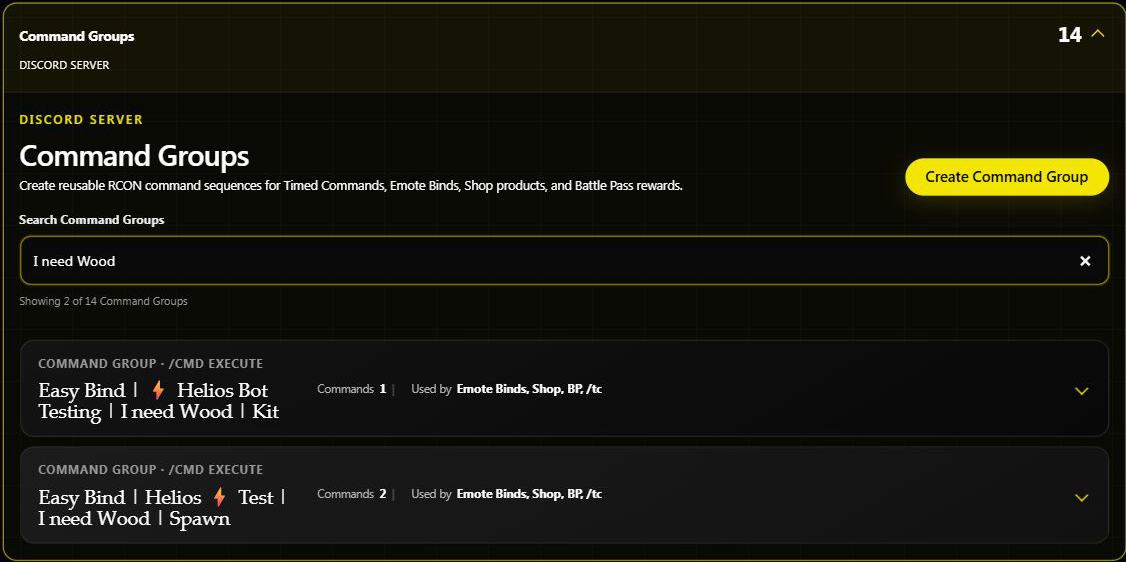
- Build the group in Command Group Management.
- Run
/product add-cmdand choose the category and group from the suggestions. - Give the product a clear name and price.
- Choose a server if it should only be sold for that game server.
- Set optional
cooldownin minutes,rolefor buying access, andvaluefor its trader value. - Decide whether it should go into
/bagor usebypass_bagfor immediate delivery. - Save, then use
/product infoto check the product before a controlled delivery test.
Commands Covered
/product add-cmd/product edit-cmd
Example
/product add-cmd category:"Kits" name:"PvP Kit and Meds" group:"pvp_kit" price:1500 cooldown:720 server:"<SERVER>"
This example assumes the category and pvp_kit group already exist. Choose the actual server from Discord's suggestions. A 720-minute cooldown is 12 hours.
A simple group could contain:
kit givetoplayer "pvp" "{PlayerName}"
inventory.giveto "{PlayerName}" "syringe.medical" 3
Use the exact existing kit name. {PlayerName} means the linked player using the reward; do not hard-code your own gamertag into a product intended for everyone.
When does the group run?
Normally, a purchase saves one command-group reward in /bag. Its commands run when the player uses that reward. An applicable server, category, or product Bypass Bag setting runs it at purchase instead. Check all three, not just this product's option.
In-game delivery needs a linked player online on the chosen server. Groups that use player-position placeholders also need Helios to find the player's current position. If it cannot, ask them to stand still and retry after checking the reply.
Edit carefully
Use /product edit-cmd to change the name, group, price, category, role, cooldown, server, trader value, or immediate-use choice. It only edits command-group products.
The saved bag reward refers to the command group. Changes to that group's commands can affect rewards players already bought but have not used. Do not delete a group still needed by shop products or existing bag rewards. Changing the product to a different group does not rewrite those older bag items.
If only part of the reward arrived
Read Successful, Failed, and Failure Details in the result. The commands run separately, so one can succeed while another fails. A partially completed group is not automatically restored as a fresh bag item. If no commands execute during bag use, Helios attempts to return the item.
Staff should check what actually arrived before retrying or granting a replacement; running the whole group again can duplicate the successful part. A command counted as sent is not proof that every game-side reward appeared.
See Shop & Market Setup, Your Bag and Items, and Shop Role Requirements.